

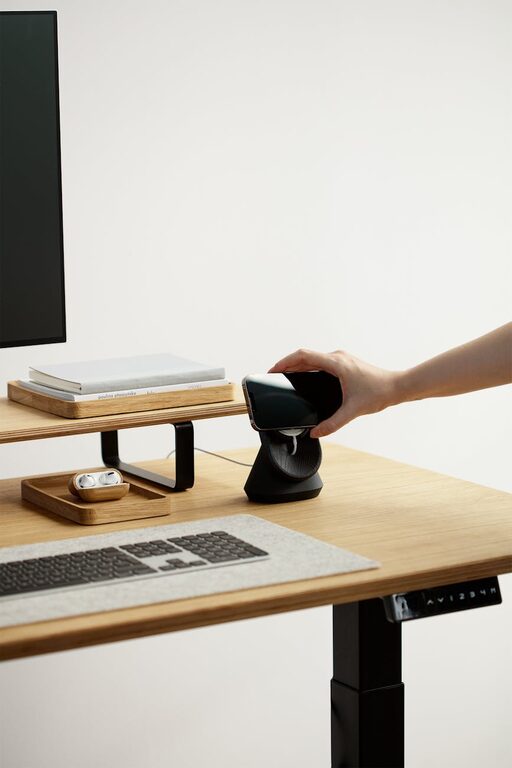
Working from home has become the norm for many people, making it more important than ever to have a well-organized workspace. A tidy and thoughtfully arranged home office can improve focus, reduce stress, and boost productivity. If your workspace feels chaotic or uninspiring, don’t worry — there are simple steps you can take today to transform it into a productive haven.
In this post, we’ll cover practical tips to help you organize your home workspace effectively. From decluttering your desk to optimizing storage, these ideas are easy to implement and will make a noticeable difference.
Why Organizing Your Workspace Matters
Before we dive into the tips, let’s quickly review why a well-organized workspace is so beneficial:
– Improves focus: A cluttered environment can distract your mind, making it harder to concentrate on tasks.
– Reduces stress: Visual clutter can increase feelings of anxiety. Clear spaces create calm.
– Saves time: When everything has a place, you spend less time searching for papers, chargers, or supplies.
– Increases efficiency: A clean setup helps you work faster and more comfortably.
Now, let’s look at how to achieve this.
1. Declutter Your Desk and Surroundings
Start by clearing off your desk completely. Keep only the essentials on the surface—like your computer, a notepad, and a pen. Remove any stale papers, unused gadgets, or miscellaneous items.
– Sort papers into categories: important, recycle, or file.
– Throw away or donate items you no longer need.
– Use a shredder for sensitive documents.
This initial decluttering will give you a fresh canvas to build an organized space.
2. Maximize Storage Space
Good storage solutions are key to keeping your workspace tidy.
– Use drawer organizers to separate small items like paper clips, sticky notes, and chargers.
– Incorporate shelves or bookcases to store books, files, and decor.
– Consider vertical storage options like pegboards or wall-mounted holders to free up desk space.
– Label containers and files so you can quickly find what you need.
By having a place for everything, it’s easier to maintain order throughout the day.
3. Optimize Your Desk Layout for Comfort and Efficiency
Your workflow improves when your workspace is ergonomically arranged.
– Place frequently used items within arm’s reach.
– Position your monitor so the top is at or just below eye level to reduce neck strain.
– Use an adjustable chair that supports good posture.
– Keep cables managed with clips or cable organizers to prevent tangles.
An inviting, functional setup encourages longer, more comfortable work sessions.
4. Use Lighting to Your Advantage
Good lighting influences both productivity and mood.
– Position your desk near a window to get natural light, which helps reduce eye strain and boost alertness.
– Add a desk lamp with adjustable brightness for overcast days or late nights.
– Avoid harsh overhead lights that cause glare on screens.
A well-lit space feels more inviting and energizing.
5. Personalize Without Creating Clutter
Adding a few personal touches can make your workspace more enjoyable, but be careful not to overcrowd.
– Choose a small plant to bring life and freshness.
– Select a few inspiring photos or artwork.
– Use a stylish but minimal mouse pad or notebook.
Personal items should motivate you but not distract.
6. Establish Daily and Weekly Clean-Up Habits
Organization is not a one-time task; it requires maintenance.
– Spend 5 minutes at the end of each workday tidying your desk.
– Review your paper files and to-do lists weekly to discard what you no longer need.
– Use a checklist or planner to keep track of regular cleaning.
Building these habits helps prevent clutter buildup and keeps your workspace efficient.
7. Streamline Digital Organization
Physical organization goes hand-in-hand with digital tidiness.
– Clean your computer desktop by creating folders for documents and projects.
– Organize emails into folders or labels to reduce inbox clutter.
– Use cloud storage effectively to back up files and free local disk space.
– Consider task management apps to keep projects and deadlines clear.
A neat digital space supports smooth work flow and less digital stress.
Final Thoughts
A well-organized home workspace doesn’t have to be complicated or expensive. By following these simple tips—decluttering, maximizing storage, optimizing ergonomics, improving lighting, personalizing modestly, and maintaining cleanliness—you can create a space that helps you focus and be productive every day.
Remember, everyone’s workflow and space are unique. Take what fits your needs and style, then enjoy the benefits of an organized, inspiring home office. Happy organizing!